Review Marketing
How to Ask Customers for Google Reviews (Without Feeling Awkward)
August 7, 20267 min read
Table of Contents
Practical scripts, timing tips, and follow-up strategies for asking your customers for Google reviews in a way that feels natural and genuine — not pushy.
Asking for a review can feel awkward. You don’t want to seem pushy, and you don’t want to make your customer uncomfortable. But here’s the reality: if you’ve just done a great job for someone, asking them to share their experience is completely reasonable — and most happy customers are happy to do it.
The awkwardness usually comes from not having a clear, natural way to ask. This guide gives you scripts, timing strategies, and follow-up approaches that feel genuine.
Most business owners feel uncomfortable asking for reviews because they think they’re imposing on the customer. But think about it from the customer’s perspective: if someone just fixed your leaky roof or cleaned your carpets and did a great job, wouldn’t you want to help them out if they asked nicely?
The key is framing. You’re not asking for a favor — you’re giving a satisfied customer an opportunity to share their positive experience, which also helps other customers make a good decision.
Timing matters more than the exact words you use. Ask too early and the customer hasn’t formed an opinion yet. Ask too late and the positive feeling has faded.
The sweet spot for most service businesses is:
If you’re face-to-face with a happy customer, a direct ask is often the most effective. Here are a few natural ways to phrase it:
“Thanks so much for having us out today. If you were happy with the work, the best thing you can do for us is leave a quick Google review. It really helps other homeowners find us. I’ll text you the link so it’s easy.”
“We really appreciate your business. If you have 30 seconds, a quick Google review would mean a lot to our small business. I can send you the link right now if that works.”
“Glad we could get that sorted for you! If the experience was good, we’d love it if you could share that on Google. I’ll send you a link so it takes less than a minute.”
Notice what these scripts have in common: they’re casual, they reference the specific service, they explain why the review matters, and they offer to make the process easy.
Text messages are often more effective than in-person asks because the customer can act immediately. Here are proven SMS templates:
Hi [Name]! Thanks for choosing [Business] today. If you have a minute, a quick Google review would really help us out: [Link]
Hey [Name], thanks for your business! We’d love to hear about your experience. Could you leave a quick review here? [Link]
Hi [Name]! Hope you’re happy with the work today. If you are, would you mind sharing that on Google? It takes about 30 seconds: [Link]
Keep your text short, personal, and direct. Include the link so the customer doesn’t have to search for your business.
Email works well for follow-up or for customers who prefer it. Keep it concise:
Subject: Thanks for choosing [Business Name]! Hi [Name], Thanks for trusting us with your [service type]. We hope you’re happy with the results! If you have a moment, we’d really appreciate a quick review on Google. It helps other customers find us and lets us know how we’re doing. [Leave a Review →] Thanks again, [Your Name]
Many customers intend to leave a review but forget. A single, gentle follow-up can make a big difference. Wait 2–3 days after your initial request, then send:
Hi [Name]! Just a quick follow-up — if you get a chance this week, a Google review would really help us out: [Link] No rush at all!
If they don’t respond to the follow-up, let it go. One reminder is helpful; multiple reminders feel harassing.
Five Star Harvester is a done-for-you review service: we run your review requests, follow-ups and reply drafts so your team doesn't have to chase reviews.
$297/month · No setup fee · Cancel anytime
When a customer agrees to leave a review, make it as easy as possible for them to follow through. Send the direct link to your Google review page immediately, and let them know it only takes about 30 seconds.
If you’re asking in person, offer to text them the link right then so they have it on their phone.
This is a common concern — what if you ask an unhappy customer for a review and they leave a bad one? The truth is, unhappy customers can leave reviews whether you ask or not. But if you know a customer wasn’t satisfied, don’t ask them for a review. Instead, address their concern directly and try to resolve the issue.
For more on handling negative reviews, see our guide on getting more Google reviews.
The businesses with the strongest review profiles don’t ask once and hope for the best. They ask every happy customer, every time. It becomes a natural part of their workflow — finish the job, thank the customer, ask for a review.
If remembering to ask and follow up is a challenge, tools like Five Star Harvester can automate the entire process so you never miss an opportunity.
It doesn’t have to be. If you’ve provided good service, most customers are happy to leave a review — they just need to be reminded and given an easy way to do it. The key is asking at the right moment and keeping your request simple and genuine.
Both work, but text messages tend to have higher response rates because the customer can act immediately. An in-person ask followed by a text message with a direct link is often the most effective combination.
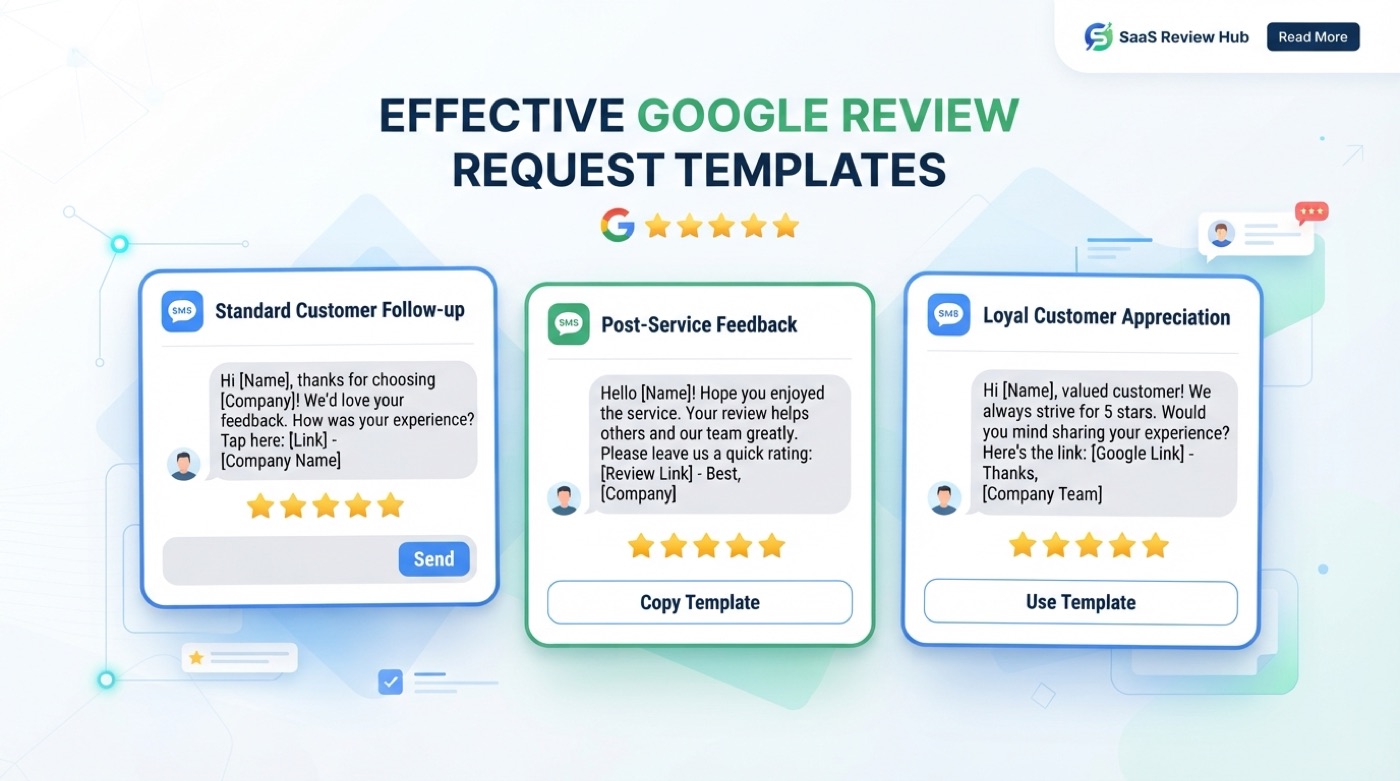
Ready-to-use Google review request templates for SMS, email, and in-person asks. Copy, customize, and start collecting more reviews from your customers.

A practical, step-by-step guide to generating more authentic Google reviews for your local service business — without resorting to shortcuts that violate Google’s policies.
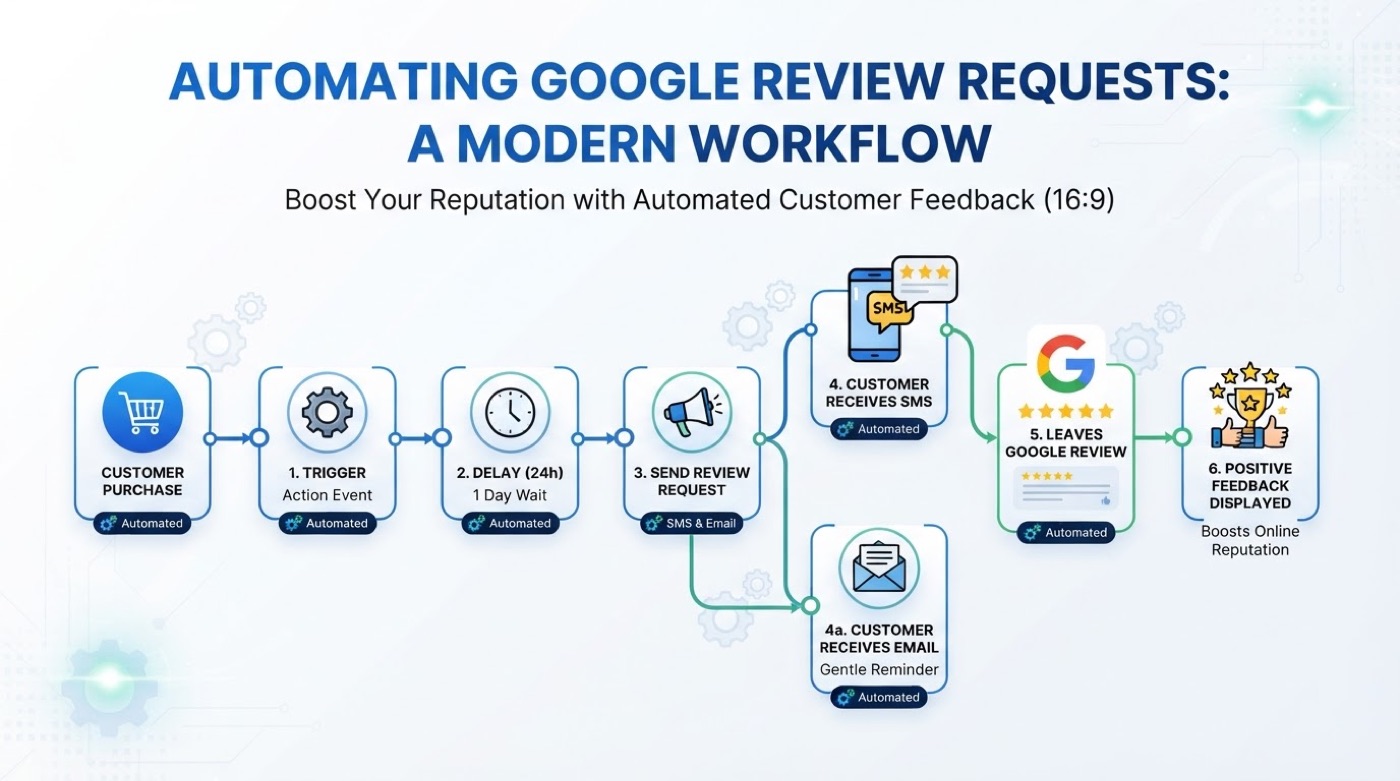
Learn how to set up automated Google review requests that trigger after every completed job, follow up with non-responders, and grow your review profile on autopilot.